One link for every client.
No more “any updates?”
Give each client a private portal with live progress, approvals, contracts and invoices — and lock kickoff until the deposit is paid.
Free for up to 2 projects. No credit card. Your clients never need an account.
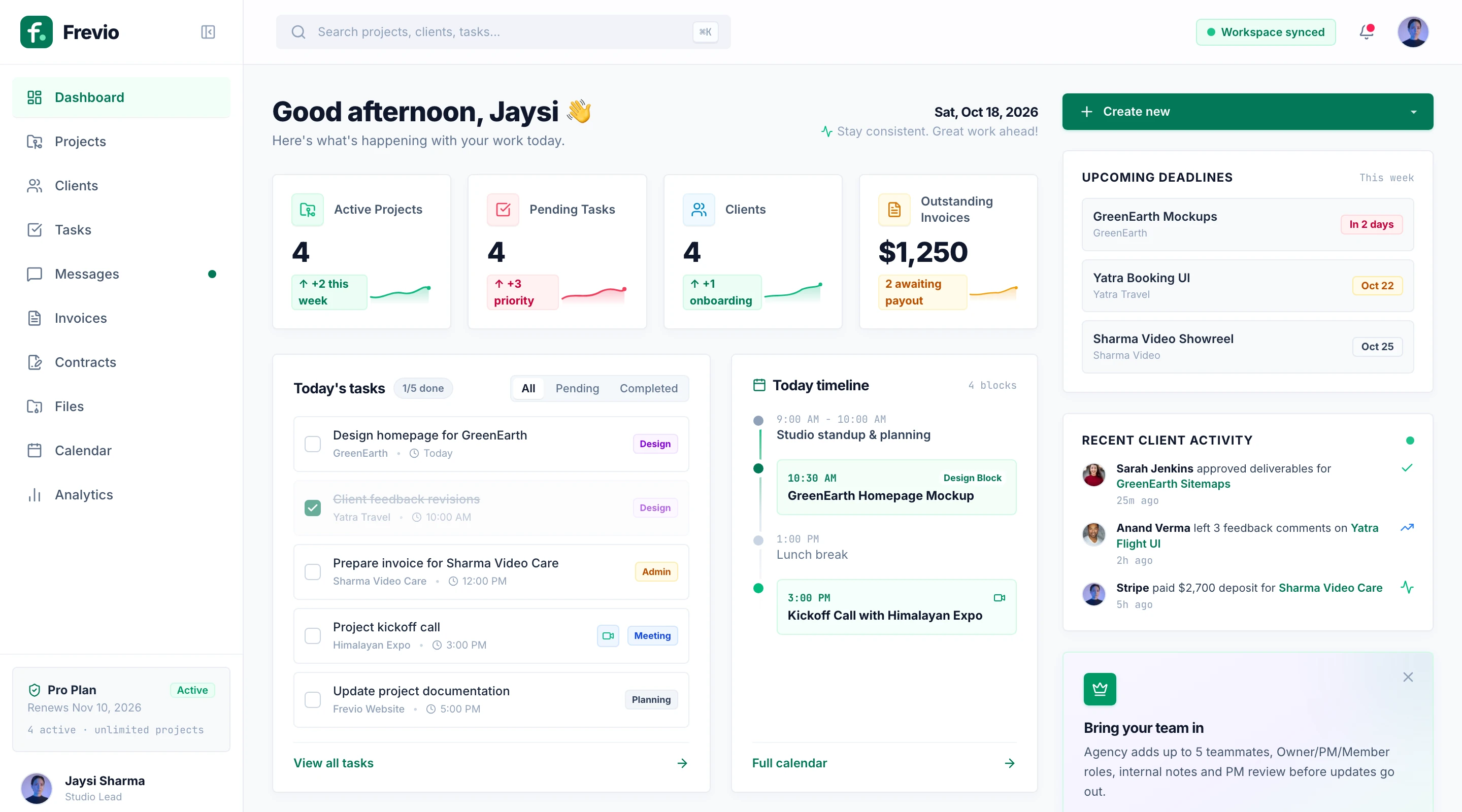
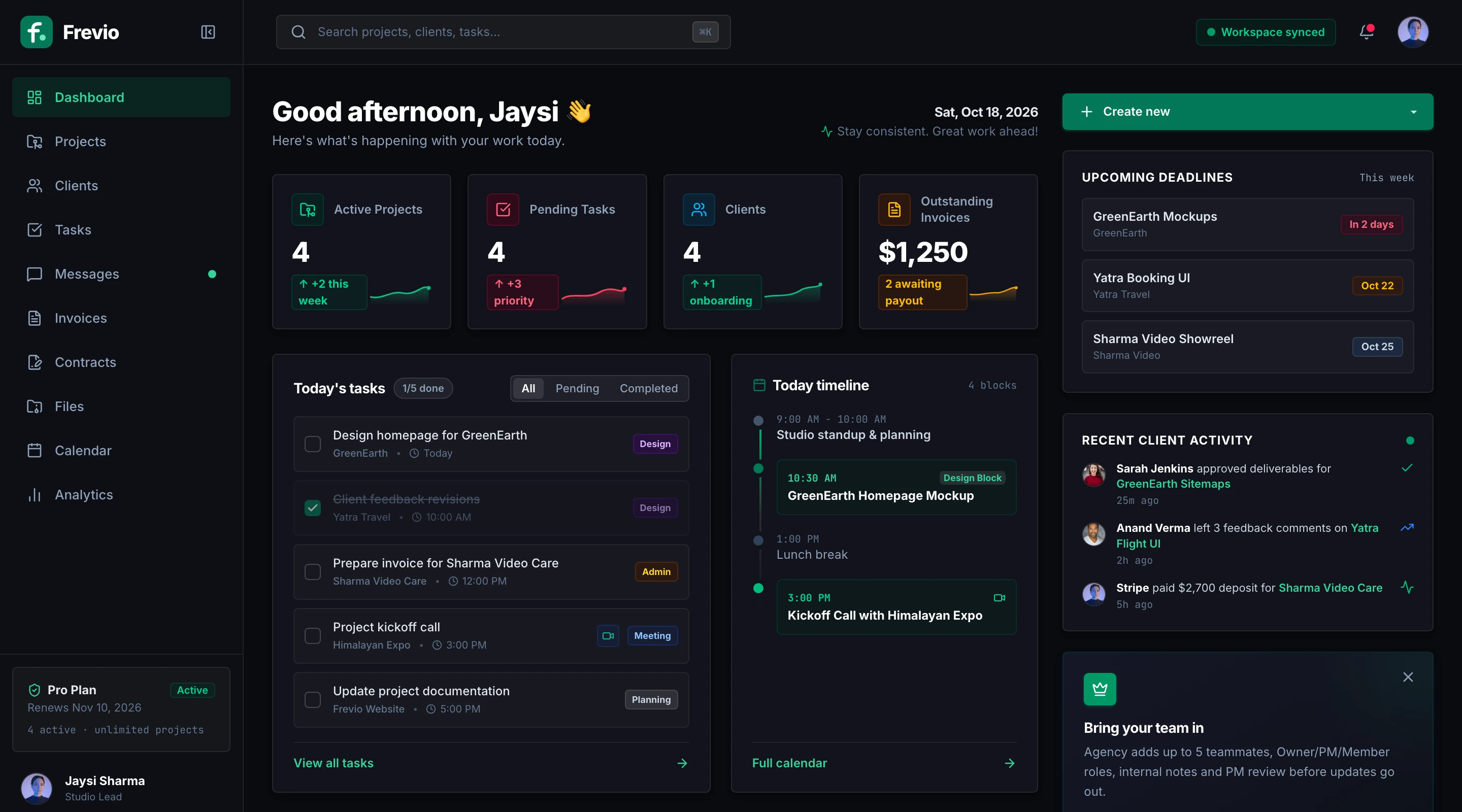
Client portal
Working nowGreenEarth · Website redesign
Waiting for your approval
Homepage design · v3
Invoice #0014
$1,250.00
Your dashboard, and what your client sees on their portal link.
Works with the tools you already use
- Stripe
- GitHub
- Figma
- VS Code
The problem
Client work isn't hard.
Managing clients is.
Most freelancers lose hours every week to the same three problems.
“Hey, any update on this?”
You stop real work to write status emails, and clients still feel out of the loop.
With Frevio: Clients check one live portal with progress, milestones and what you’re working on now.
Approvals stuck in someone’s inbox
The design is ready, but sign-off is buried in a thread and the timeline slips.
With Frevio: Approve or request changes is one click on the portal, and you get an email the moment they answer.
Working first, chasing money later
You start before the deposit lands, then spend weeks nudging people about invoices.
With Frevio: Kickoff stays locked until the deposit is paid, and every invoice has a Pay now button.
How it works
From signed contract to paid invoice.
Every project lives in one place, and your client sees it all through a single private link.
Set up the project once
Add the client, budget and milestones, send the contract to sign, and set a kickoff deposit before any work starts.
- Milestones and a shared kickoff checklist
- Budget, hourly rate and kickoff deposit
- Proposals and contracts signed online
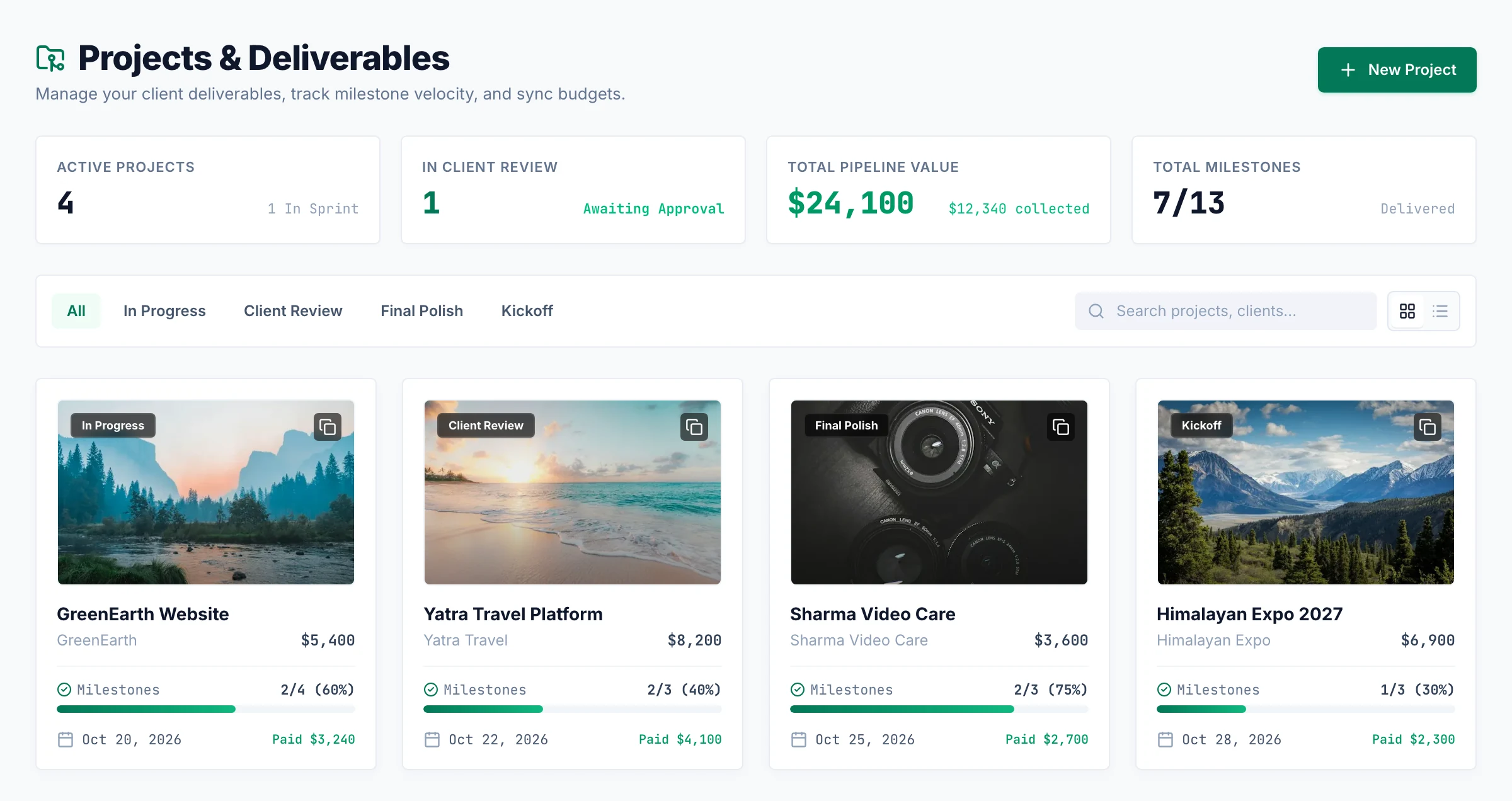
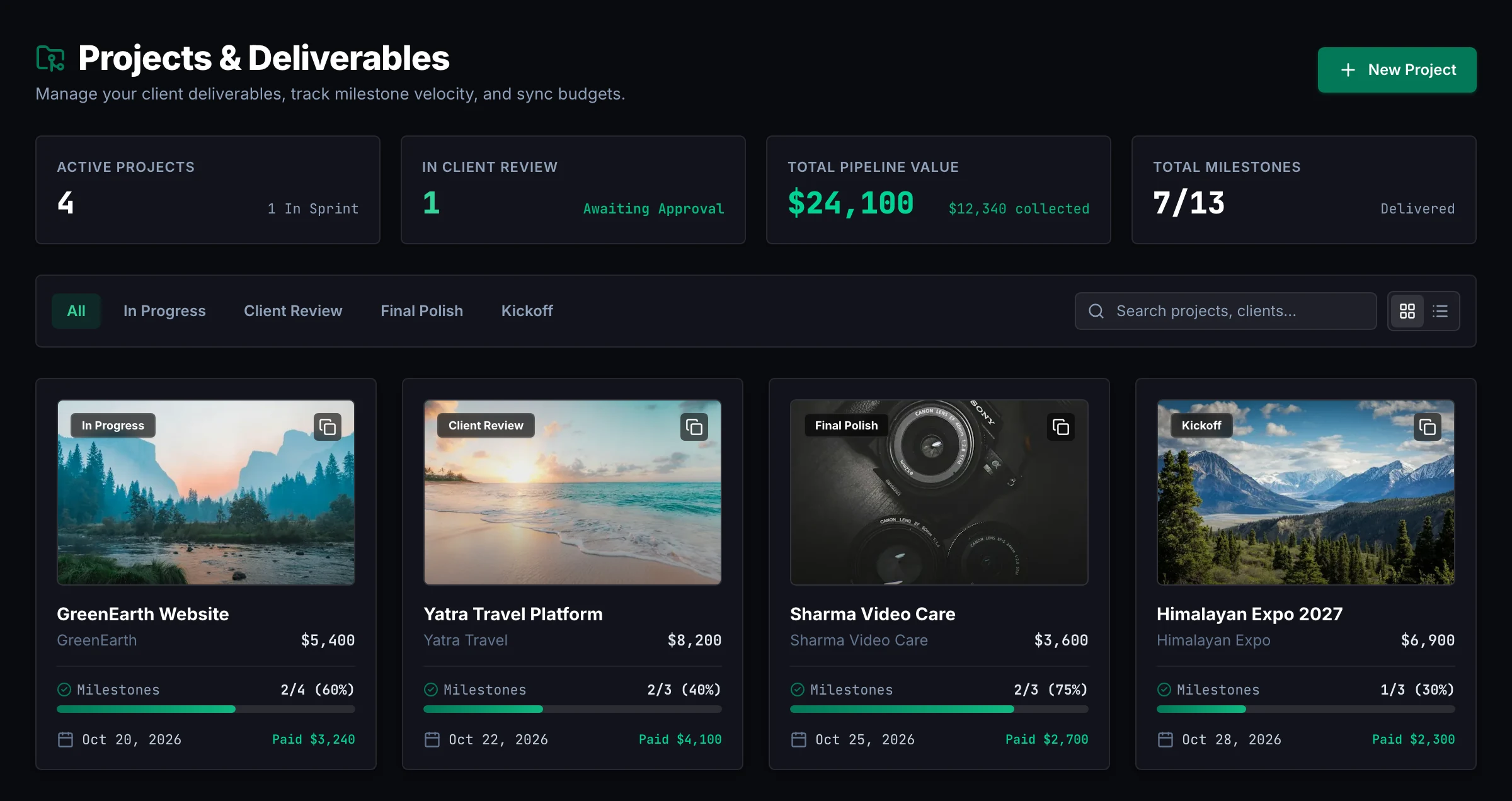
Share work, get clear answers
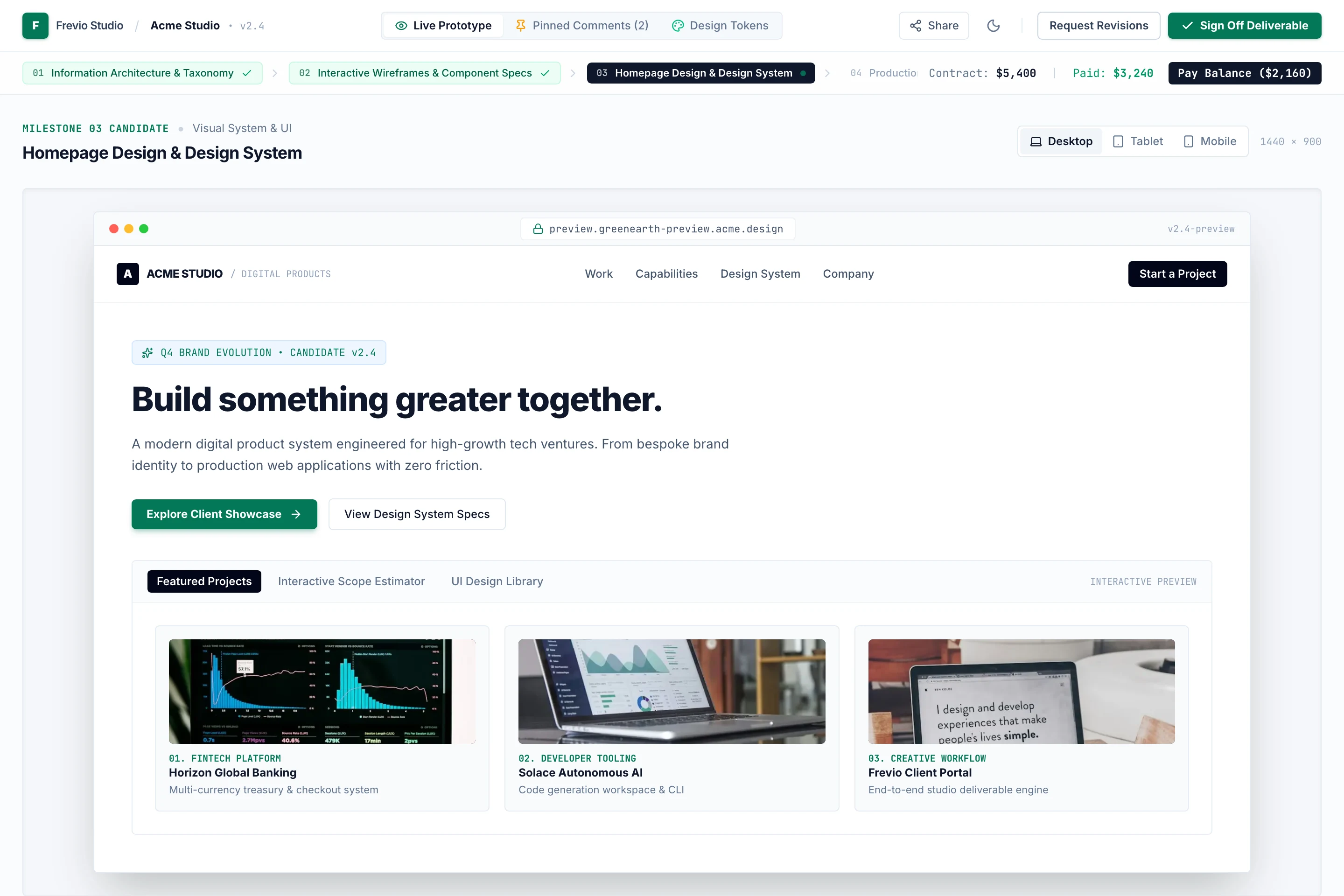
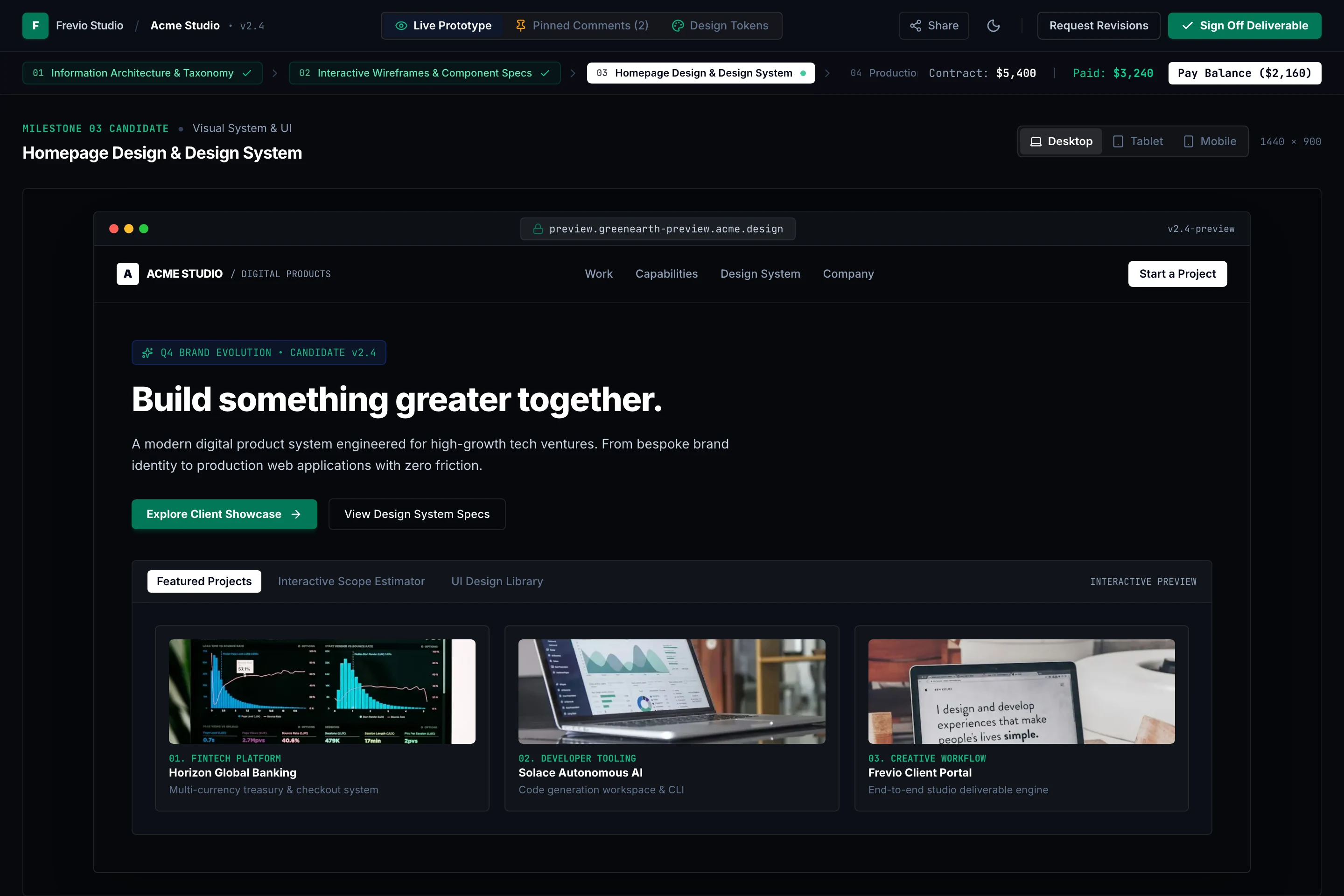
Your client opens one private link to see the live deliverable, where the project stands and what they owe. Sign-off is a button, not an email thread.
- Live previews of sites, Figma files, PRs and Loom videos
- Approve or request changes in one click
- Email alert the moment a client responds
Get approved and get paid
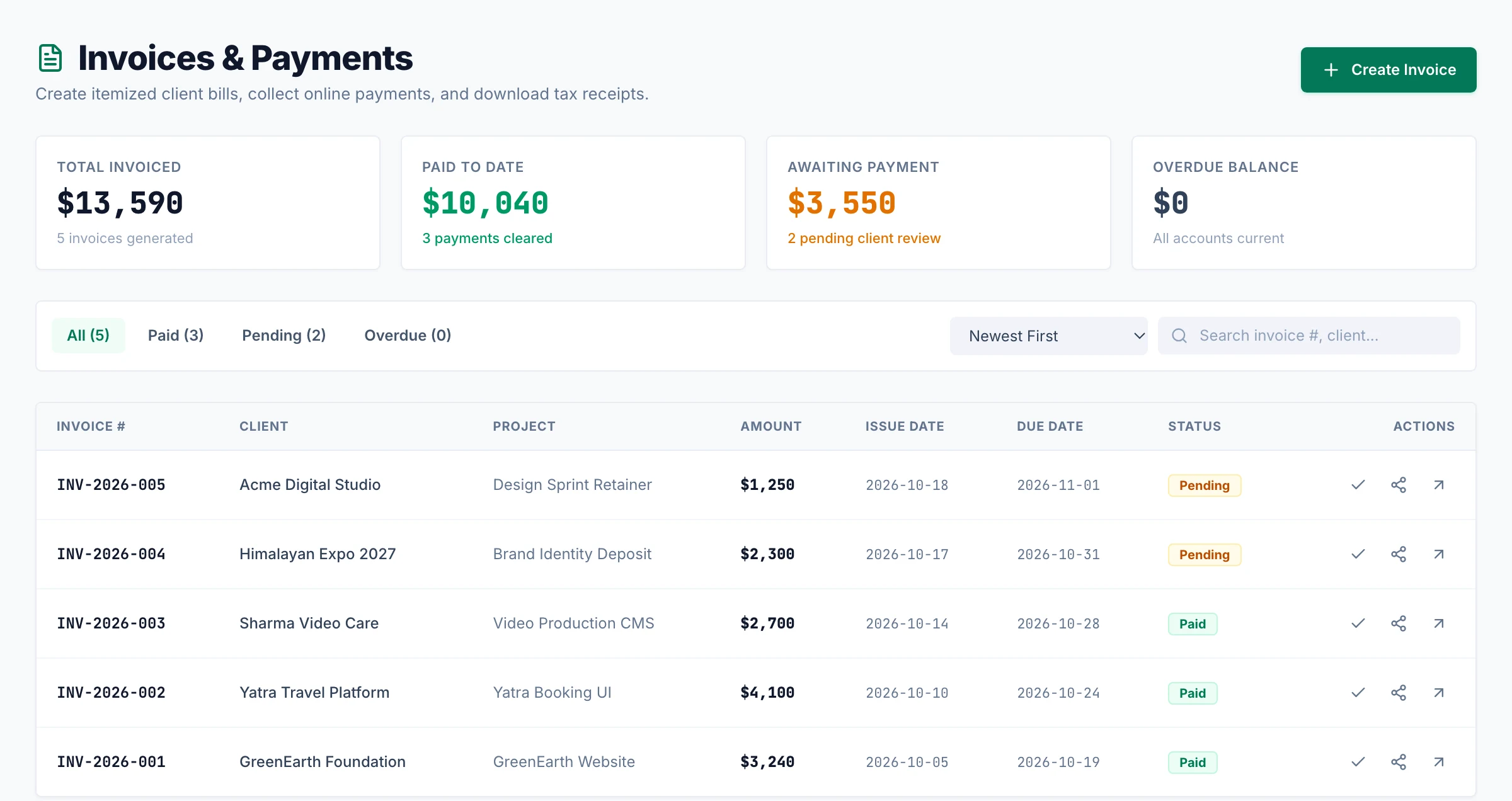
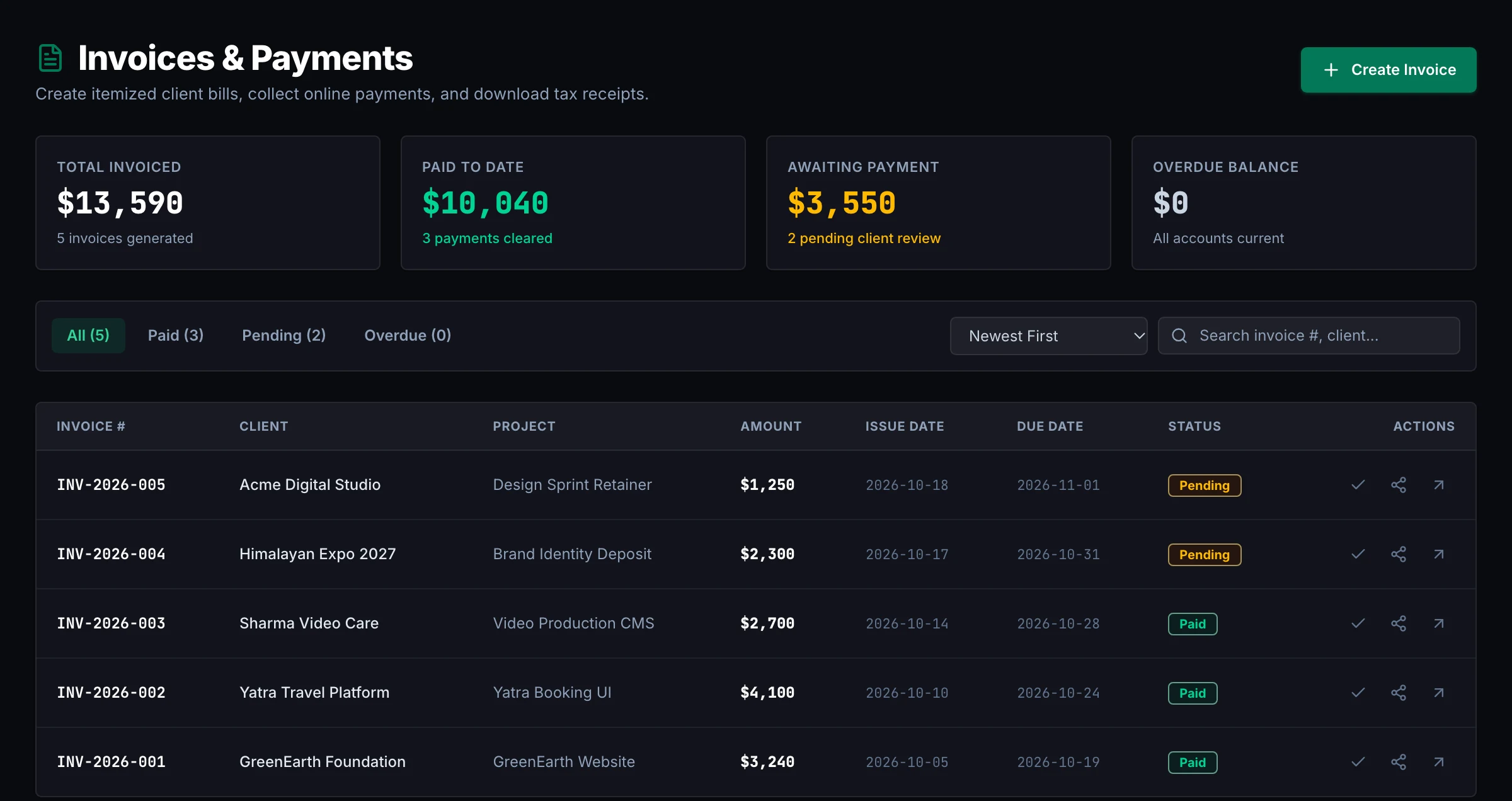
Invoices live inside the project and clients pay by card, so nothing stalls while you chase people.
- Invoices with a Stripe “Pay now” button
- One-click reminders for overdue invoices
- Tax/VAT and 5 currencies on every invoice
Deposit gate
Get paid before you start.
Turn on a kickoff deposit of 25%, 33% or 50%. Your client’s portal shows a payment step first, and the project unlocks automatically when Stripe confirms the payment.
- Deposit presets based on the project budget
- Paid by card through Stripe Checkout
- Project status updates itself when the payment lands
Mobile app MVP · Northwind
Pay the deposit to start your project
Milestones and updates unlock once the deposit is paid.
For developers
Let clients see you’re on it.
The Frevio extension for VS Code shows clients when you’re actively working and on what part of the project, without you writing a single status update.
- Live “Working now” badge on the client portal
- Pauses itself after 5 minutes idle
- Coding sessions become time entries automatically
Developer activity
Working nowFocus area
Frontend & UI
Today
2h 40m
- BackendYesterday · 3h 05m
- TestingMon · 1h 20m
Only the focus area is shared. Never code, keystrokes or file names.
Why Frevio exists
A note from the founder.
Every freelancer knows the late-night “any updates?” message. It’s rarely because the client is difficult. They just can’t see what’s happening, so they ask, and you stop working to answer. I built Frevio so that never has to happen. Your client gets one private link to see progress, approve work and pay, with no account to create. You keep working, they stay in the loop, and the deposit lands before you start. If anything in Frevio gets in your way, email me at info@frevio.cloud. I read every message.
Jaysi Sharma
Founder, Frevio
Pricing
Simple pricing that grows with you.
Start free with your first clients. Add your brand, your team and your own domain when you need them.
For your first clients.
- Up to 2 active projects
- Client portal & status page
- Updates, milestones & approvals
- Proposals & contracts
- Invoicing with Stripe payments
- Time tracking
For full-time freelancers.
- Everything in Free
- Unlimited active projects
- Automatic client update emails
- Your logo & accent color
- Remove “Powered by Frevio”
- Expense & profit analytics
For studios and small teams.
- Everything in Pro
- Up to 5 team members
- Owner, PM & Member roles
- Team pods on client portals
- Internal notes & PM review
- Activity & audit log
Need up to 25 seats, your own domain and a fully white-labeled portal? Agency Scale is $199/month. Talk to us
No credit card required
Start with the free plan and explore Frevio at your own pace.
Upgrade or downgrade anytime
Switch plans or cancel from your billing settings.
Free for your clients
Clients never pay and never need an account to use their portal.
Give your next client a better way to work with you.
Set up your first project and portal in a few minutes. Your client gets one link, and you stop chasing updates, approvals and payments.
- No credit card required
- Free for up to 2 projects
- Clients never need an account